If your Fitbit or Pixel Watch data is showing up normally in Google Health but has stopped appearing in MyFitnessPal or another connected app, the tracker itself may be working perfectly. The weak link may now be the connection between Google Health and the third-party service.
That distinction matters after Google’s late-October migration away from the legacy Fitbit Web API. Google told consumers to reconnect affected partner apps before October 30, 2026, while its current developer documentation lists November 2 as the final turn-off date for the old Fitbit Web API and Fitbit OAuth endpoints. In practical terms, the transition window is over: apps that previously relied on an old Fitbit authorization may need a fresh Google Health connection before data can flow again.
And with MyFitnessPal specifically, reconnecting may still not solve everything. MyFitnessPal says it is investigating an unresolved issue in which exercise and step data can be delayed or fail to arrive from Google Health even after users disconnect and reconnect the integration.
Why Google Health can have your data while MyFitnessPal does not
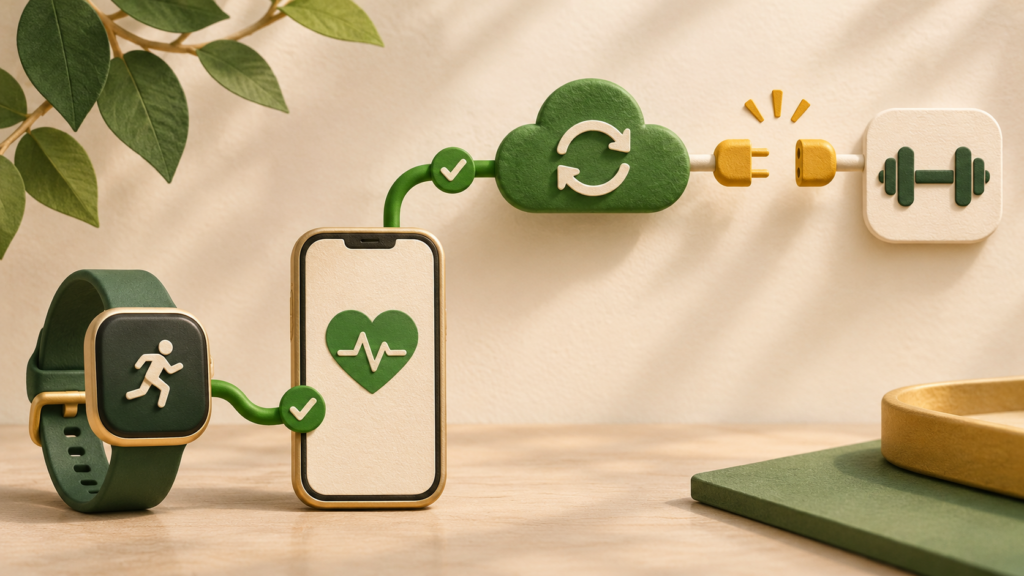
Think of the sync as two separate connections rather than one continuous pipe.
- Your Fitbit or Pixel Watch sends its data into your Google Health account.
- MyFitnessPal or another partner app separately receives permission to read selected data from Google Health.
If the first connection works but the second one does not, Google Health can continue showing your steps, workouts, sleep, or other measurements while the partner app appears frozen.
This became especially relevant during the Fitbit API transition because Google did not simply rename an existing authorization system. The new Google Health API uses Google OAuth 2.0 instead of the legacy Fitbit authorization system. Google’s migration documentation says old access and refresh tokens cannot simply be transferred to the new API. Existing users must grant consent again.
So seeing MyFitnessPal listed somewhere in your Google account, or remembering that you authorized it months ago, is not necessarily proof that the current Google Health integration is properly connected.
First, make sure the partner app actually completed its migration
Google’s Google Health support page for connected apps tells users to open Google Health, go to Connections, then Partner Apps, and look for apps under Needs Action.
An affected app may show one of two instructions:
- Tap to reconnect, which lets you complete the authorization from Google Health.
- Reconnect in partner app, which means you need to open that app and start the connection from its own settings.
If an app offers no Google Health reconnection option at all, Google says that can mean the developer has not released its updated integration yet. That is different from a problem with your Fitbit device or Google Health account, and repeatedly resetting the wearable is unlikely to help.
Google also says users who sync through Health Connect on Android or Apple Health on iPhone are not affected by the Fitbit Web API retirement in the same way. That distinction is important because two apps can both display health data while using entirely different routes to exchange it.
MyFitnessPal requires its own reconnection
MyFitnessPal’s procedure is more specific. The company began asking affected users to reconnect Google Health starting October 12.
Crucially, MyFitnessPal says that even users who had already responded to an earlier Google reauthorization request could still need to authorize the connection again when MyFitnessPal itself prompted them. In other words, completing Google’s migration prompt was not necessarily the final step for MyFitnessPal.
According to MyFitnessPal’s October reconnection instructions, Android and iPhone users should open MyFitnessPal and:
- Open the Today tab and go to the profile or More menu.
- Select Apps and Devices.
- Open the Connected section.
- Select Google Health and choose Connect.
- Complete the Google authorization flow.
When Google asks which account to use, select the Google account that is actually associated with your Google Health profile. This is an easy place to make a mistake if you have several Gmail accounts signed in on the same phone.
Check your Step Source after reconnecting
There is another MyFitnessPal setting that can make the integration appear broken even after authorization succeeds.
If you expect Google Health to supply your step count, MyFitnessPal says Google Health should also be selected as the app’s Primary Step Source.
In the mobile app, open More, choose Steps, and check for a blue checkmark next to Google Health. If another source is selected, tap Google Health instead.
This setting is separate from the account authorization itself. You can therefore have a connected Google Health account but still have MyFitnessPal looking somewhere else for steps.
Confirm that the missing data exists in Google Health first
Before changing more settings, check whether the measurement you are missing actually appears in Google Health.
MyFitnessPal explicitly recommends this split in its troubleshooting guidance. If the exercise, steps, or other expected data is missing from Google Health itself, the problem is upstream and should be investigated on the Google Health or device side. If the data is already present in Google Health but absent from MyFitnessPal, the problem is much more likely to involve the integration between the two services.
Also verify that the particular data type is supported. A connection between two health platforms does not automatically mean that every metric visible in one app will be imported into the other. Google notes that third-party apps decide which types of information they share, and supported metrics can differ by integration.
Reconnecting MyFitnessPal may still leave steps and exercise missing
This is the most important caveat if you have already followed the reconnection instructions correctly.
As of its October 30 update, MyFitnessPal’s integration known-issues page lists an ongoing problem with exercise and step data coming from Google Health into MyFitnessPal.
MyFitnessPal says some users continue to experience missing or delayed data even after disconnecting and reconnecting their accounts. The company says recent changes improved syncing for many users, but it does not consider the issue fully resolved.
That means a failed sync after reauthorization is not proof that you configured something incorrectly.
The direction of the failure also provides a useful clue. MyFitnessPal says food diary information entered in MyFitnessPal can still sync to Google Health while exercise and step data traveling in the opposite direction may be affected.
So a situation where your meals appear in Google Health but today’s Google Health steps never arrive in MyFitnessPal is consistent with the known issue. A successful sync in one direction does not establish that the reverse direction is working.
What changed at the deadline
Google’s consumer-facing guidance told users of affected partner apps to reconnect before October 30. Its support documentation says partner apps using the Fitbit Web API were moving to Google’s newer infrastructure and describes October 30 as the point from which the Fitbit Web APIs would no longer be supported.
Google’s current Google Health API developer overview provides a slightly more detailed timeline: support for the legacy API ended September 30, while the final Fitbit Web API and Fitbit OAuth turn-off is listed as November 2, 2026. Google says requests to the retired endpoints will return an HTTP 410 Gone response.
For ordinary users, the exact backend date matters less than the consequence: an app cannot indefinitely keep using an old Fitbit authorization and expect it to continue fetching new data.
Google’s new API uses a different identity and authorization system. The migration guide specifically states that existing Fitbit tokens are not transferable. Once an app migrates a user, it is expected to obtain fresh Google authorization and switch that user to the Google Health API.
This is why the current problem can look counterintuitive. Your wearable may still sync flawlessly. Google Health may show today’s activity immediately. Yet a third-party app can lose access because the authorization used by that app is a different piece of the chain.
What happens to data recorded during a sync gap?
A temporary integration failure does not necessarily mean the underlying Fitbit or Pixel Watch data has disappeared.
Google’s migration documentation says that if a user does not authenticate to the new API before the legacy endpoints are shut down, their data can remain available as long as the device continues syncing with Google Health. After the user reconnects, the partner developer can use the new Google Health API to retrieve historical data and fill a gap.
That capability does not guarantee that every third-party app will automatically backfill every missing item. How much history is restored depends on the app’s implementation and the data types it supports. But it does mean that a period of missing information inside a partner app is not necessarily equivalent to lost wearable data.
If the measurements still appear in Google Health, avoid treating the partner app’s empty screen as evidence that the original records have vanished.
A practical troubleshooting order
If Google Health is current but MyFitnessPal or another connected app is not, checking things in the right order can save a lot of unnecessary resetting and account removal.
- Verify the source data. Open Google Health and confirm that the missing steps, workout, or other measurement actually appears there.
- Check Google Health Connections. Look under Partner Apps for a Needs Action message or reconnection prompt.
- Open the partner app itself. Some integrations must be reauthorized from the partner’s settings rather than solely from Google Health.
- Use the correct Google account. During authorization, choose the account associated with your Google Health profile.
- For MyFitnessPal, check Step Source. Make sure Google Health is selected if you expect it to provide steps.
- Check whether the data type is supported. Not every metric is necessarily exchanged between every service.
- Check the partner’s known-issues page. If the connection is valid but data is still delayed, the problem may be on the service side rather than yours.
For MyFitnessPal users in particular, that final step is important right now. Because the company still lists the Google Health-to-MyFitnessPal step and exercise sync issue as unresolved, repeatedly unlinking and reconnecting may not produce an immediate fix.
The key distinction after the Fitbit API migration
The easiest way to diagnose these post-migration problems is to stop thinking of “Fitbit sync” as a single feature.
Your wearable syncing to Google Health is one process. Google Health granting a third-party app permission is another. The partner app successfully importing a particular type of data is a third.
After the retirement of the legacy Fitbit integration, all three can have different states.
If Google Health itself is missing today’s data, troubleshoot the wearable-to-Google connection first. If Google Health has the data but your partner app does not, verify the new Google Health authorization, the account you authorized, and any app-specific settings such as MyFitnessPal’s Step Source.
And if all of those are correct, do not assume another reconnect will necessarily solve the problem. In MyFitnessPal’s case, the company has already confirmed that some Google Health exercise and step syncing remains delayed even for users who completed the new connection successfully.