
Panic - You recently upgraded your MPX200 to the 2003 ROM and you cannot see your SIM contacts names. Yes, you are one of us - the ones with SIMS like certain T-Mobile users that do not work with the phones SIM Manager. Jeyo Companion to the rescue(in most cases). Jeyo has developed a very functional PC based SIM/SMS/Contact Manager that works well with most SIMs connected through Active Sync. The program does even more, including screenshots as explained below.
OK for the unlucky ones (me included) here is what your cell phone gives you when you run the onboard SIM Manager in SP2003.
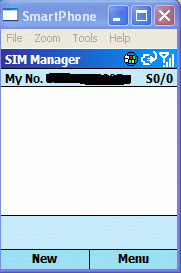
Not much, but download Jeyo Companion from the link below and you should be back in SIM Management business.
Download and install the Jeyo Companion trial program on your PC. When you open the program, your first screen will look like this.
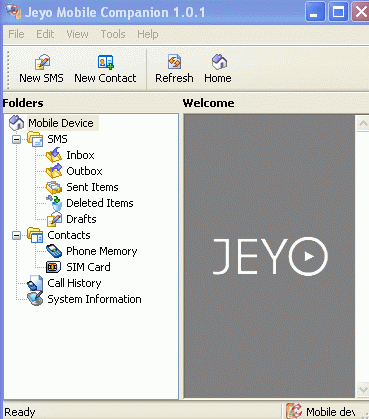
Connect your phone through ActiveSync and hit refresh on the Jeyo Menu. Your SIM Contacts should begin to appear on the Jeyo client screen . If they do not appear or only several appear, there should be one blank one at the top. Delete by highlighting it and right clicking. Once deleted, try to refresh again. All the SIM contacts should appear. You may have to play with it but it should work with a little patience.
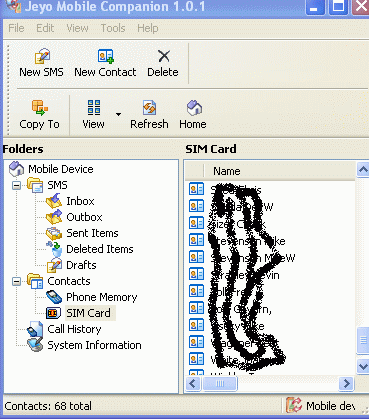
Now may be a good time to save your SIM Contacts to another location for safe keeping. Highlight the SIM card in the Jeyo menu and go to File>Export.
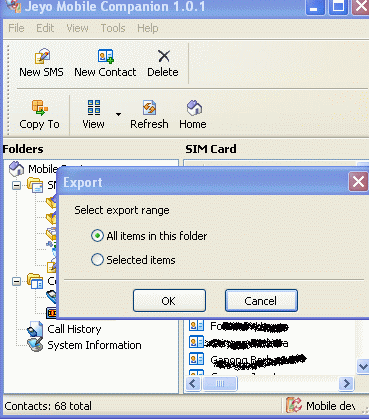
Now select a location and save your SIM Contacts for a rainy day.
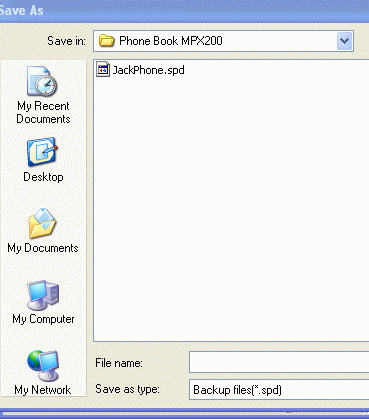
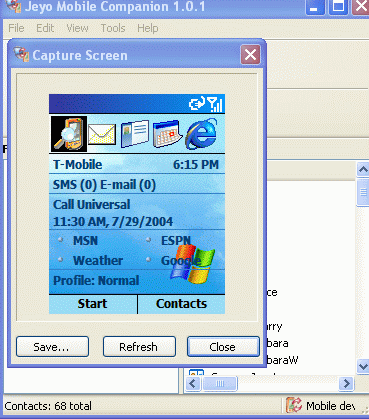
If you go the Jeyo Companion Tools Menu you can use the program to take a screenshot of your connected phone. This is very handy and saves buying any other program to take your SmartPhone screen shots for posting on MGN. We Editors find your screenshots very handy for trouble shooting.
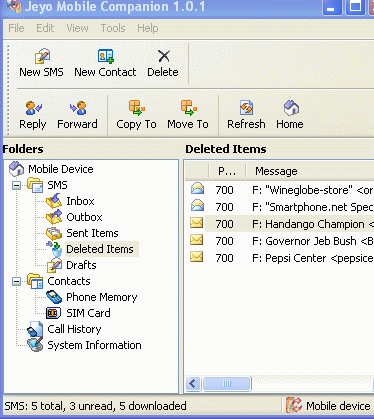
In addition to screenshots you can manage your SMS messages right from your PC. You can edit SMS messages with PC convenience.
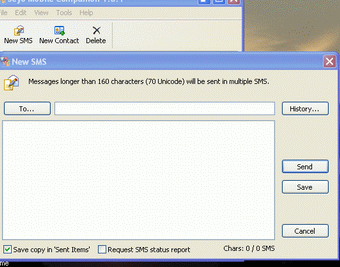
If you want to send a SMS message from your PC you can do that as well. You can even do a little broadcasting from the PC client.
Currently Jeyo is running a Special for SmartPhone users through the end of July. Download the trial soon and see if this program makes your
SmartPhone easier to use.
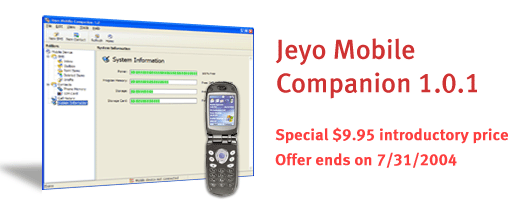
In my situation, Jeyo was the only solution for SIM Management. However, the many features of the program including the screenshots, SMS management/sending, and Contacts/SIM import/export features make Jeyo companion a bargain with their current offer. The trial costs nothing, check out Jeyo for your SmartPhone.
JEYO HOME
 Main Menu

 Mobile Gadget News :: Making Your Windows Mobile Life Simpler > General > Product Reviews > Software Reviews


 Jan 19 2005, 10:44 PM


